Requirements gathering makes total sense – especially when you sit in with a group of stakeholders and you talk about what you collectively agree you need. Every requirement, every feature, all seem very logical in the “heat” of the moment of that meeting (although many wouldn’t describe requirements meetings as “hot” 😴…).
All the bells & whistles make sense. Then you go to the next meeting, more great ideas come out and you add in another set of buttons, then another, then another… It feels as though it is all coming together.
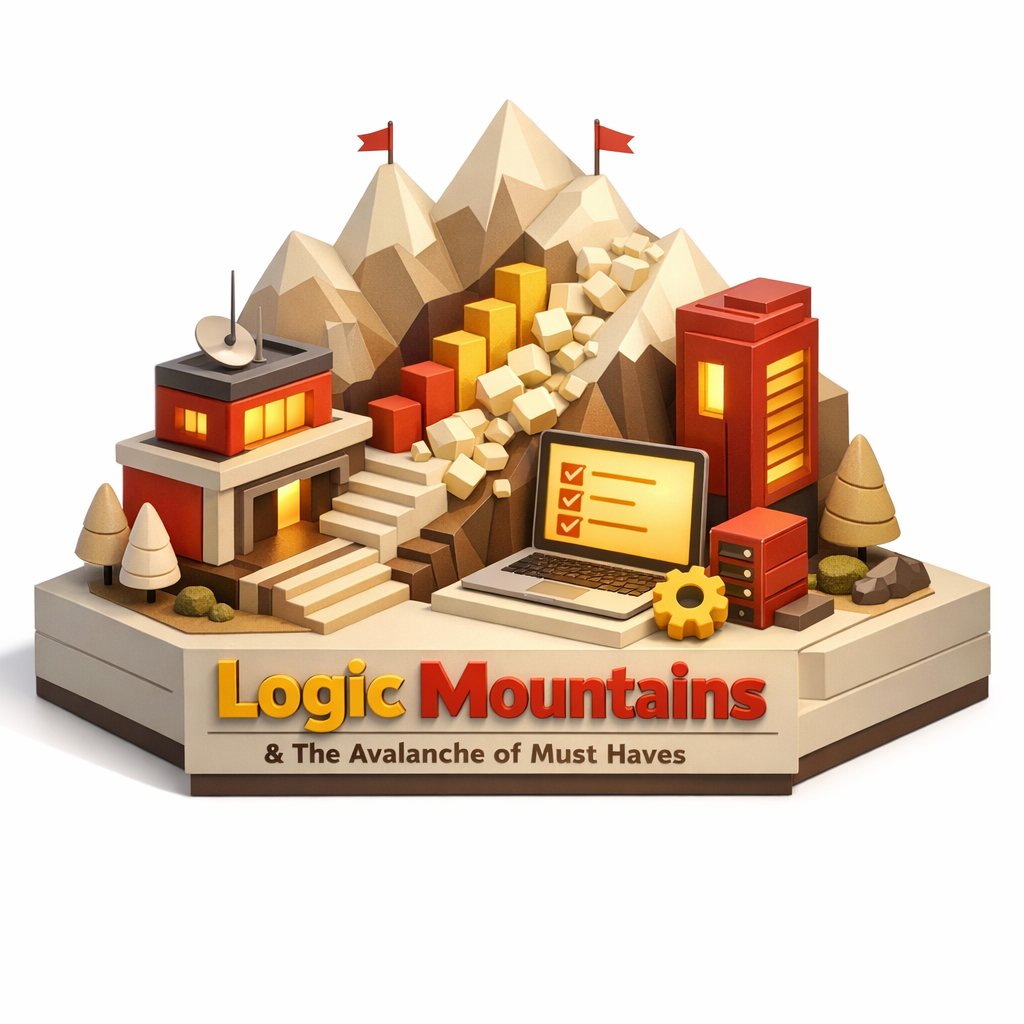
To reduce the amount you need to build, you go through the MoSCoW process on your requirements. This should easily allow you to deliver something this year. However, this is where the wheels start to come off. Everything is a “Must”… you can’t pare down your requirements because everything seems really important.
At this point you are well into the “analysis paralysis” territory, not wanting to make the wrong decision. You need ways to stop the team getting into that state.
As an architect I can fall into the same trap – just adding a small thing that feels critical for the long term success. I also want what is best for the user and get excited about “yes we can deliver all these features”, or “yes that will be a great user experience”. We bring in the UX team, developers, testers and the length of delivery starts to rise rapidly. Then we discover something we didn’t understand, and we have to build an extra set of components and workflows to get everything we need. The project becomes longer and longer, tangible benefits start to drop off.
Taming this problem is unlocked by moving to Agile, helping you go step by step and understand what your team can realistically achieve. The following aspects work hand in hand with Agile to significantly reduce the problems further.